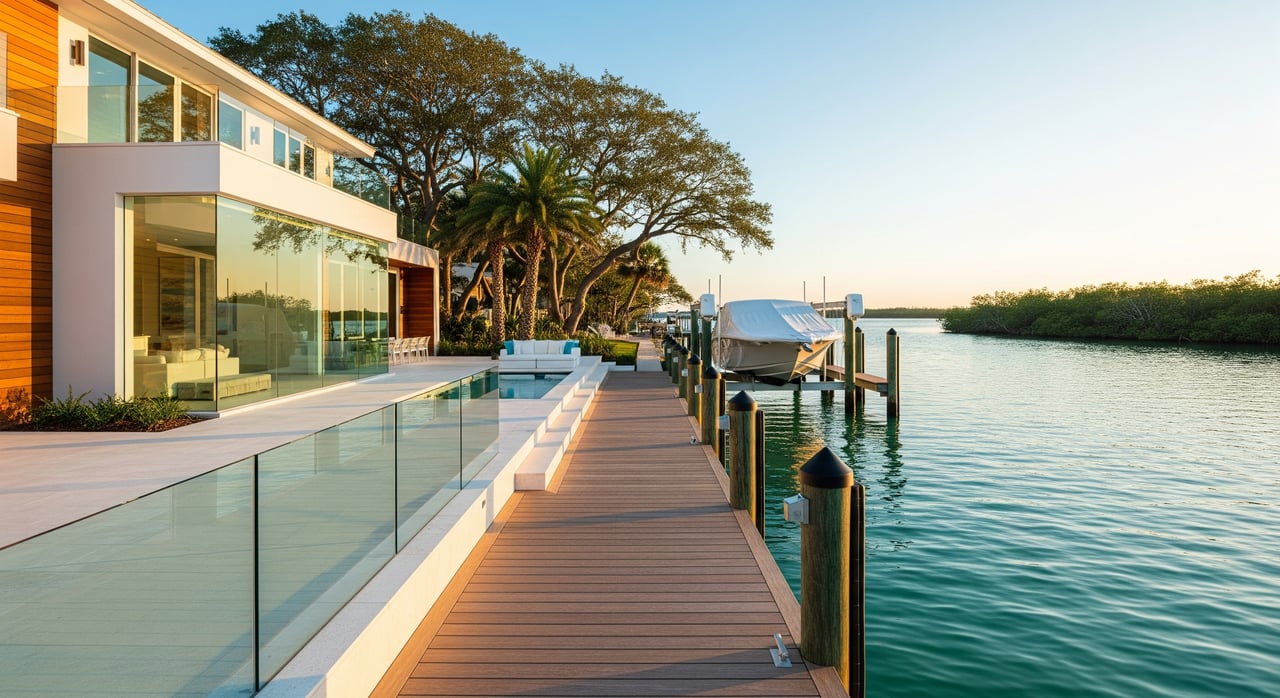
Want to be the first to know when a great Homosassa waterfront home hits the market? If you boat, fish, or simply love the river-and-Gulf lifestyle, timing matters. With the right saved searches and alerts, you can spot new listings fast and move before other buyers. This guide shows you how to set up smart, targeted Homosassa waterfront listing alerts, which filters to use, and what to do when the perfect place pops up. Let’s dive in.
Why alerts matter in Homosassa
Homosassa sits on Florida’s Gulf Coast with access to the Homosassa and Crystal River systems, spring-fed canals, creeks, and Gulf waters. That means “waterfront” can look very different from property to property. Some homes offer direct Gulf access, while others sit on shallow canals or no-wake sections that fit smaller boats.
Because each listing has unique water access, depth, and shoreline features, the best results come from focused searches and fast alerts. A well-tuned saved search helps you filter for the frontage and boat access you need, so you do not waste time on listings that will not fit your plans.
What to filter in your search
Dialing in your filters is the difference between useful alerts and inbox noise. Start with the basics, then add waterfront and boat-focused features.
Location and property basics
- Location: Homosassa, Citrus County, or draw a custom polygon along the Homosassa River or Gulf shoreline.
- Price range: Set a clear budget with a comfortable ceiling.
- Property type: Single-family, condo, or vacant land if you plan to build.
- Bedrooms, bathrooms, square footage, lot size: Match your household and storage needs.
Waterfront-specific features
- Waterfront: Toggle to “Yes.”
- Frontage type: Gulf-front, riverfront, canalfront, bayou/estuary, lake or pond, spring-fed freshwater.
- Dock presence: Private dock, shared dock, or no dock.
- Dock features: Boat lift, davits, covered slips.
- Shoreline protection: Seawall, bulkhead, or riprap.
Boat access and navigation
- Direct Gulf access: Unimpeded access to the open Gulf versus indirect or bridge-limited routes.
- Deep water vs. shallow: If depth data is not in the listing, use keywords like “deep water” or “deep water access.”
- Bridge clearance: Watch for fixed bridge limitations if you have a tall vessel or sailboat.
- Navigability notes: Some areas may include no-wake zones or seasonal restrictions.
Risk and ownership factors
- Flood zone: Look for FEMA flood zone details and request elevation certificates when available. You can review parcel flood risks using the FEMA Flood Map Service Center for context.
- Sewer vs. septic: Confirm utilities and septic inspections where applicable.
- HOA or marina rules: If an association controls slips or rentals, confirm policies.
- Rental rules: If you are an investor, check rental allowances.
Smart keyword ideas
Use the keywords field to refine alerts: “boat lift,” “deep water,” “seawall,” “dock,” “direct gulf access,” “sailboat,” “no fixed bridge,” “bulkhead,” “riprap,” “manatee zone.”
Set up Homosassa waterfront alerts step by step
Follow these simple steps to create VIP alerts on the site:
- Create or sign in to your account
- Save your searches and favorites, get instant email or mobile notifications, and message the agent quickly.
- Start a new search
- Enter “Homosassa, FL” in the location field, or draw a polygon along the Homosassa River or Gulf shoreline to focus your hunt.
- Choose property type and budget
- Select Single-Family, Condo, or Land. Set your min and max price, plus beds and baths.
- Activate waterfront filters
- Toggle Waterfront to “Yes.”
- Select the frontage types you care about: Riverfront, Canalfront, Gulf-front, or Lake.
- Add boat-friendly features
- Use filters for dock and boat lift if available.
- Add keywords like “deep water,” “no fixed bridge,” “private dock,” or “seawall” to capture the best-fit listings.
- Add helpful extras
- Consider lot size, year built, garage or covered parking, and flood zone fields if present.
- Name and save the search
- Use a clear name like “Homosassa Riverfront — Private Dock + Lift — <$price>.”
- Set alert frequency and channels
- Choose instant alerts for competitive segments. Daily or weekly works for broader searches.
- Select email and SMS or push if available.
- Confirm contact preferences
- Add your best phone and email. Note your pre-approval status so you are ready to write quickly.
- Test and refine
- Save, then confirm you receive a sample alert.
- Run the search again and spot-check results to make sure filters perform as expected.
- Create multiple searches
- Set separate alerts for Gulf access versus canal or riverfront to keep results clean and relevant.
Ready-made saved-search recipes
Use these “recipes” as starting points. Tweak price and features to match your needs.
Template A: Direct Gulf / deep-water boater
- Location: Gulf-front or a polygon along gulf-facing shoreline
- Waterfront: Yes
- Frontage: Gulf-front or direct Gulf access
- Dock: Private dock or shared dock with reserved slip
- Boat features: boat lift or “deep water” or “no fixed bridge”
- Price: your budget
- Alerts: instant
Template B: Homosassa Riverfront with private dock
- Location: Polygon along the Homosassa River corridor
- Waterfront: Yes
- Frontage: Riverfront
- Dock: Private dock, boat lift preferred
- Keywords: “deep water,” “bulkhead,” “seawall”
- Price and beds: as desired
- Alerts: instant or hourly
Template C: Canal homes for smaller boats
- Location: Canals off the Homosassa River
- Waterfront: Yes
- Frontage: Canalfront
- Dock: Small dock, boat ramp access; lift optional
- Keywords: “canal,” “shallow draft,” “manatee zone”
- Price: mid to lower budgets
- Alerts: daily
Template D: Fixer waterfront or land only
- Location: Homosassa or Citrus County waterfront parcels
- Property: Land or fixer-eligible single-family
- Waterfront: Yes
- Keywords: “as-is,” “needs TLC,” “uninhabitable”
- Price: lower range
- Alerts: instant
What to do when an alert hits your inbox
Be ready to evaluate and act quickly. Waterfront listings can move fast.
- Open the listing within minutes. Confirm water type, dock presence, depth notes, flood zone details, utilities, days on market, and last update time.
- Get your financing in place. Have a current pre-approval or proof of funds that factors in flood insurance if required.
- Book a showing quickly. Same-day is best. Ask about ideal tide times for viewing if depth is a concern.
- Start due diligence early if you are serious. Order a dock and seawall inspection, verify water depth, pull the flood zone and elevation certificate, schedule septic inspection if needed, and request permit history for docks and shoreline work.
- Prepare a clean offer. Plan for earnest money, a fair inspection window, and escalation strategies if competition is strong.
Quick dock-and-shoreline checklist for showings
Bring this simple checklist to your first visit and note anything that needs a deeper look.
- Dock: overall condition, materials, pilings, deck boards, hardware, and utility hookups.
- Lift: weight rating, age, power, and recent service.
- Seawall or bulkhead: cracks, bowing, rust stains, and signs of movement; visible riprap and erosion.
- Depth at the dock: estimate at current tide and ask for low-tide depth history.
- Channel access: nearest marked channel and any fixed bridges or low-clearance spots.
- Utilities: power and water at the dock, plus sewer vs. septic at the home.
- Flood indicators: prior flood reports, current insurance, and elevation certificate availability.
- Photos and notes: document issues to share with your agent and inspectors.
Due diligence essentials for Homosassa waterfront
A great location deserves careful verification. These steps help you protect your time and money.
- Water depth and navigation: Confirm boatable depth at low tide and the route to the Gulf or river. Use official context like NOAA nautical charts to understand channels and depths.
- Flood risk and insurance: Identify the property’s FEMA flood zone and estimate insurance using the FEMA Flood Map Service Center before you write.
- Environmental rules: Spring systems and manatee areas can have limits on dock design, boat speeds, and building. Review statewide resources from the Florida Department of Environmental Protection and boating rules via the Florida Fish and Wildlife Conservation Commission.
- Permits and history: Verify dock and seawall permits with county and state agencies and check for any past code issues. The Citrus County Property Appraiser and Clerk of Court can help you research parcel records, deeds, and easements.
- Riparian rights and easements: Ask your title professional to confirm shoreline and submerged land rights, plus any public access easements.
- Utilities and septic: Confirm sewer connections or septic health and capacity.
- HOA or marina rules: Request written dock, slip, and rental policies early.
Helpful resources:
- Review channels and depths using official NOAA nautical charts: NOAA nautical charts
- Check FEMA flood zones and map layers: FEMA Flood Map Service Center
- Learn about Florida coastal and springs regulations: Florida Department of Environmental Protection
- Confirm statewide boating and manatee regulations: Florida Fish and Wildlife Conservation Commission boating rules
Fine-tune and maintain your alerts
Keep your alerts sharp so you only see what matters.
- Test after saving: Run each saved search and confirm the results match your goals.
- Reduce false positives: Adjust keywords. If the system allows, use negative keywords to exclude “no dock” or similar.
- Split broad searches: Create multiple narrow alerts for different frontage types or boat sizes.
- Update seasonally: Listings and water conditions shift with the seasons. Review your filters monthly.
- Use the right cadence: Instant alerts for high-priority searches, daily for broader ideas.
Off-market previews and custom searches
Some of the best opportunities are not widely advertised. You can request a custom waterfront search that fits your budget, frontage type, boat length, and must-have features. With your permission, the agent can monitor private networks, coming-soon listings, and owner outreach, and can request proof of funds or confidentiality agreements if needed.
What to include in a custom request:
- Target price range and financing type
- Preferred water type and frontage (Gulf, river, canal, spring-fed)
- Boat length, draft, and bridge clearance needs
- Must-have features: private dock, lift, seawall, garage, lot size
- Alert timing preferences: instant, daily, or weekly
Your next step
Set up your Homosassa waterfront alerts today, then be ready to tour quickly when the right home appears. If you want help dialing in the exact filters for your boat and lifestyle, reach out to Steven Lenhardt for a quick setup and a custom game plan.
FAQs
How do I confirm deep-water access for a Homosassa listing?
- Check the listing for “deep water” or “direct Gulf access,” then verify with the seller or agent. Review channels using NOAA nautical charts and consider a marine surveyor depth check at low tide.
Do Homosassa waterfront homes usually require flood insurance?
- Many waterfront parcels sit in FEMA flood zones, so flood insurance is common. Review the property’s zone on the FEMA Flood Map Service Center and request an elevation certificate for quotes.
Can I build or replace a dock or seawall in Homosassa?
- It depends on county and state rules, especially near springs and seagrass. Confirm permit history and requirements through local authorities and the Florida Department of Environmental Protection.
How fast should I move when a Homosassa waterfront alert arrives?
- Move quickly. Have pre-approval or proof of funds ready, ask about ideal tide times for showings, and be prepared to submit a clean offer with clear timelines.
Are there special inspections for docks and seawalls on the Nature Coast?
- Yes. Order a dock and seawall inspection, and consider a marine survey or depth verification. These checks help you confirm safety, lifespan, and replacement costs.